

Recommended: JavaScript SDK with React Hooks
For new React apps, we recommend the JavaScript SDK with React Hooks (
@dynamic-labs-sdk/react-hooks) instead of the legacy React SDK documented here. The JS SDK comes with many benefits such as a much smaller bundle size and other optimizations. Use the React quickstart (JavaScript SDK) to get started.Using Our UI
Dynamic provides a simple and easy-to-use interface for users to send tokens to any address on EVM and Solana This allows your users to easily move funds from their wallets without leaving the dapp, while removing the burden of creating send flows and gas calculations across all EVM networks and Solana for you as a developer. Note that for Solana, we also include a priority fee to improve success rates in case of congestion on the network. You have two options to surface this UI to your end users: the first is within the Dynamic Widget, and the second is programmatically opening the UI from your own site. We cover both options here.Within Dynamic Widget/Embedded Widget
Once logged in, on the Wallets screen of the widget, you will notice a “Send” button. Clicking on this button will take you to the Send Token UI.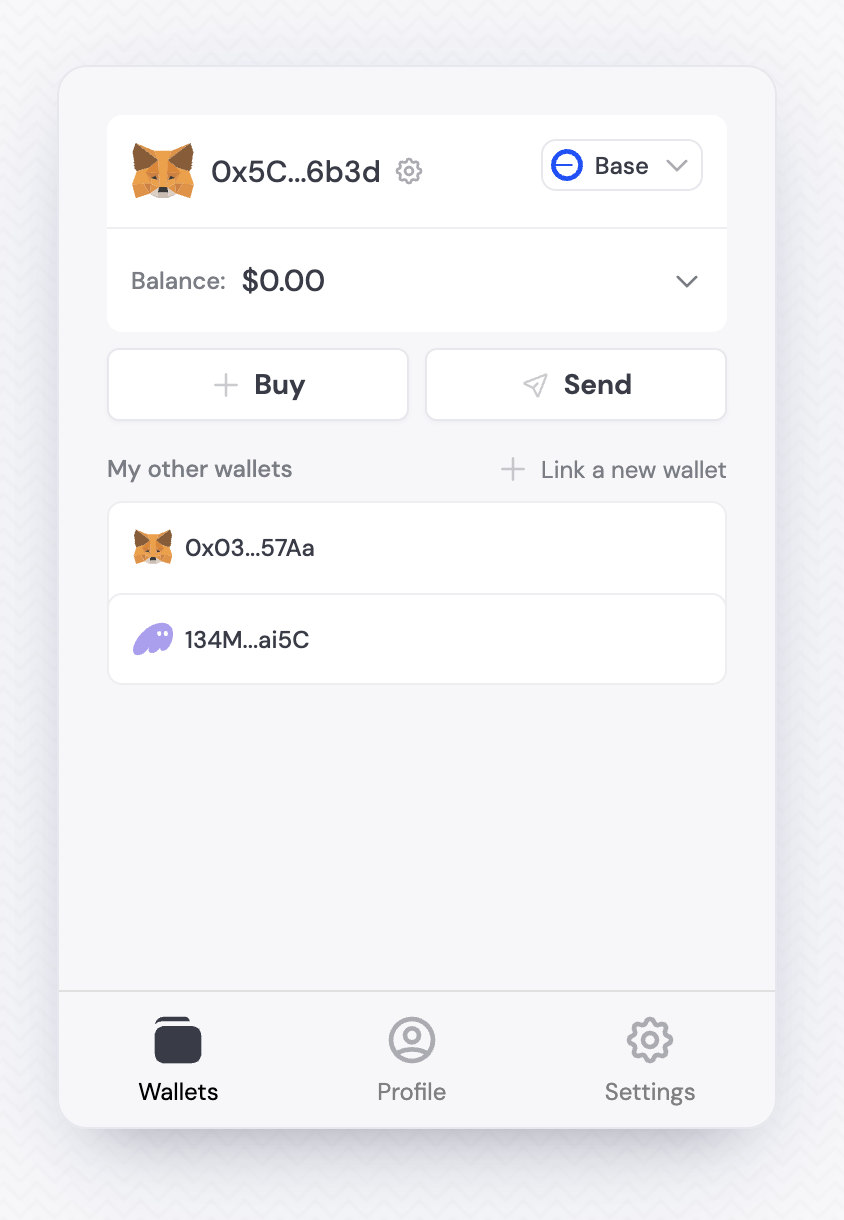
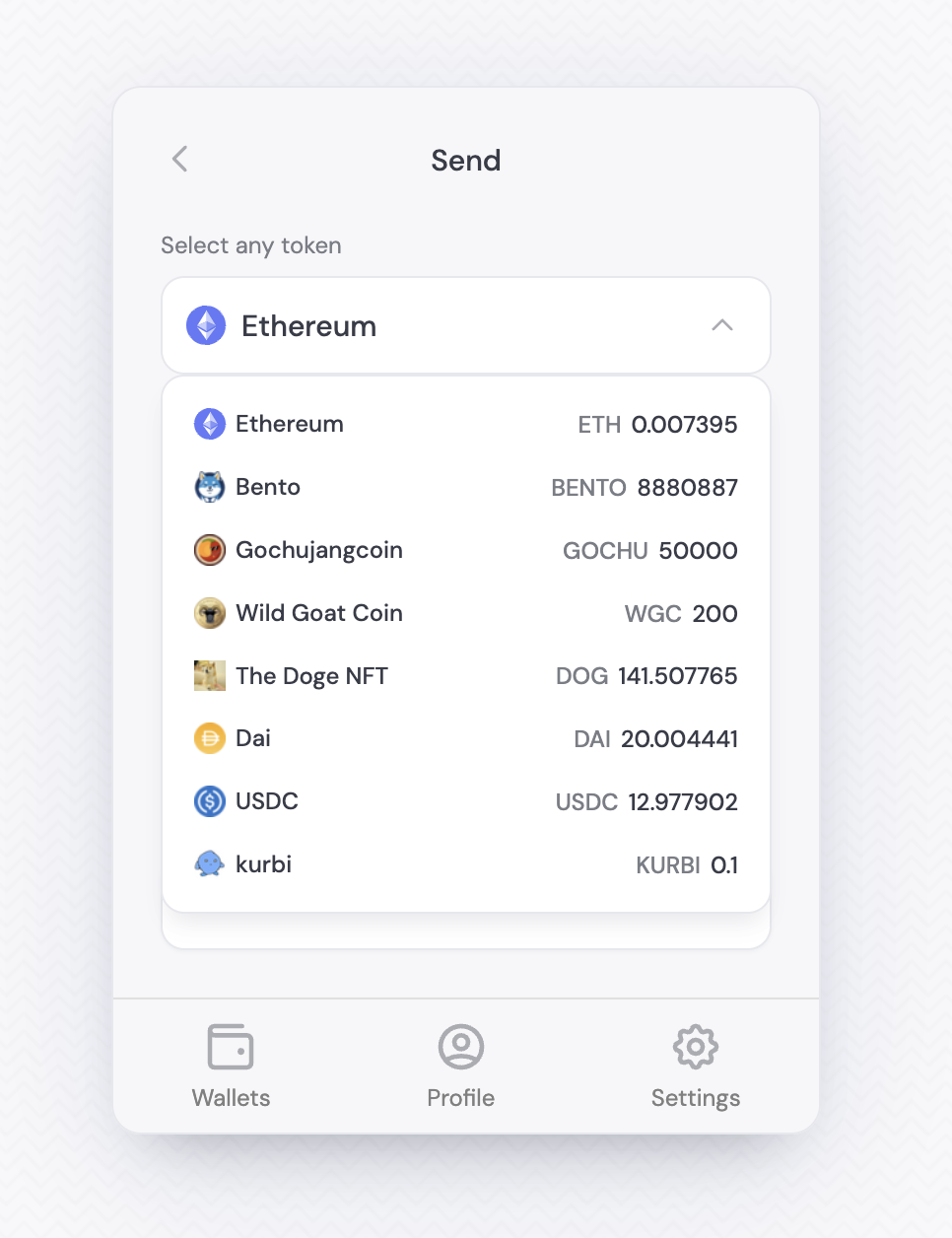
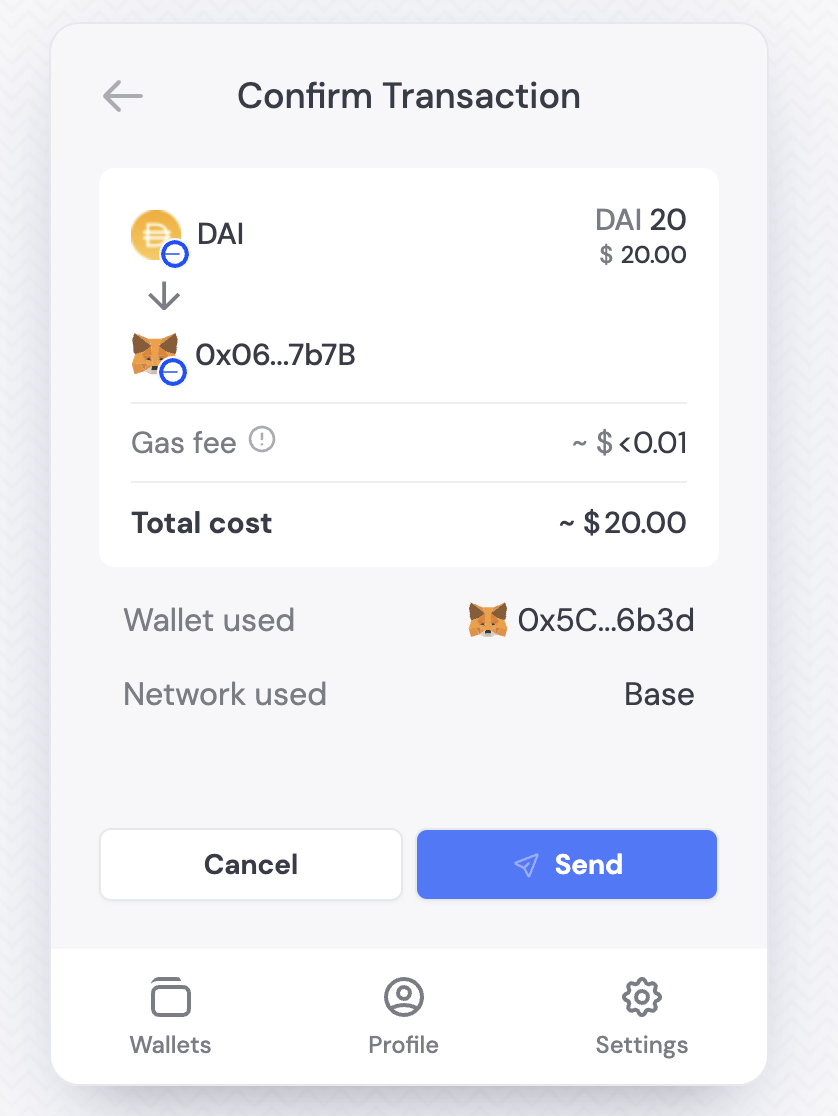
Standalone UI
You can use our useSendBalance hook to trigger the Send Balance UI component without the widget and optionally, prepopulate the form for the user.How it works
The useSendBalance hook depends on the DynamicContextProvider, so it has to be used as a child of the Dynamic context. When you use the hook, you will get a function namedopen. That method accepts the follow options:
The
open function will return a promise; If successful, the promise will be resolved with the transaction; if not successful, the promise will be rejected accompanied by the error collected from the provider.
Here is an example of a custom Send button
React
React
Using Your UI
We support native token sending for EVM, Solana, Bitcoin, Flow, Starknet and SUI
We support non-native token sending for EVM, Solana, and SUI
Wallets come with a sendBalance method that you can use.- We support native token sending for EVM, Solana, Bitcoin, Flow, Starknet and SUI
- We support non-native token sending for EVM, Solana, and SUI