

Recommended: JavaScript SDK with React Hooks
For new React apps, we recommend the JavaScript SDK with React Hooks (
@dynamic-labs-sdk/react-hooks) instead of the legacy React SDK documented here. The JS SDK comes with many benefits such as a much smaller bundle size and other optimizations. Use the React quickstart (JavaScript SDK) to get started.Introduction
If you’re reading this, you’ve probably already followed the instructions in Default Onramps and have enabled at least one onramp. Here we’ll learn how to customize the experience further and bring your own.OnrampOptions
Each onramp is represented by anOnrampOption object in the SDK, which has the following properties:
It’s important to note that the
onClick handler is not customizable, but rather it takes the current URL defined in the url field and opens it in a new window.onrampOptions prop in the overrides prop of the DynamicContextProvider component which provides the current options and allows you to return a new array of options.
React
Customization Examples
Example 1: Customizing the existing Coinbase Onramp URL
Let’s say you want to customize the current Coinbase onramp URL to include a custom parameter. You can do this by simply returning the same array of onramp options but with theurl field updated.
React
Example 2: Adding a payment method option
Taking Coinbase as an example, you’ll see that there are multiple payment methods available for the onramp. You might want to give these options to the user in the widget. In this case, you’ll want to return a new array of onramp options with thedisplayName field set to the payment method name as well as the URL adapted to include the payment method parameter.
React
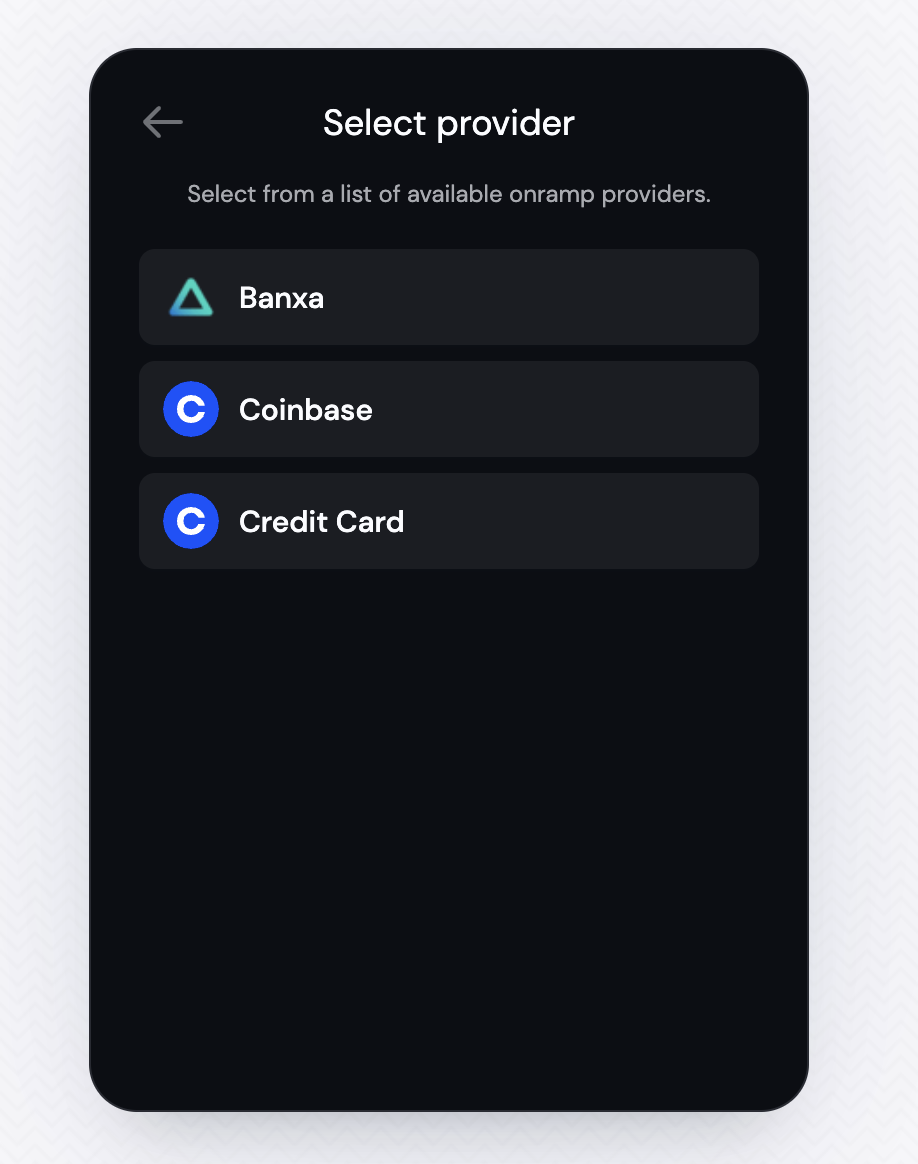
Example 3: Bring Your Own Onramp
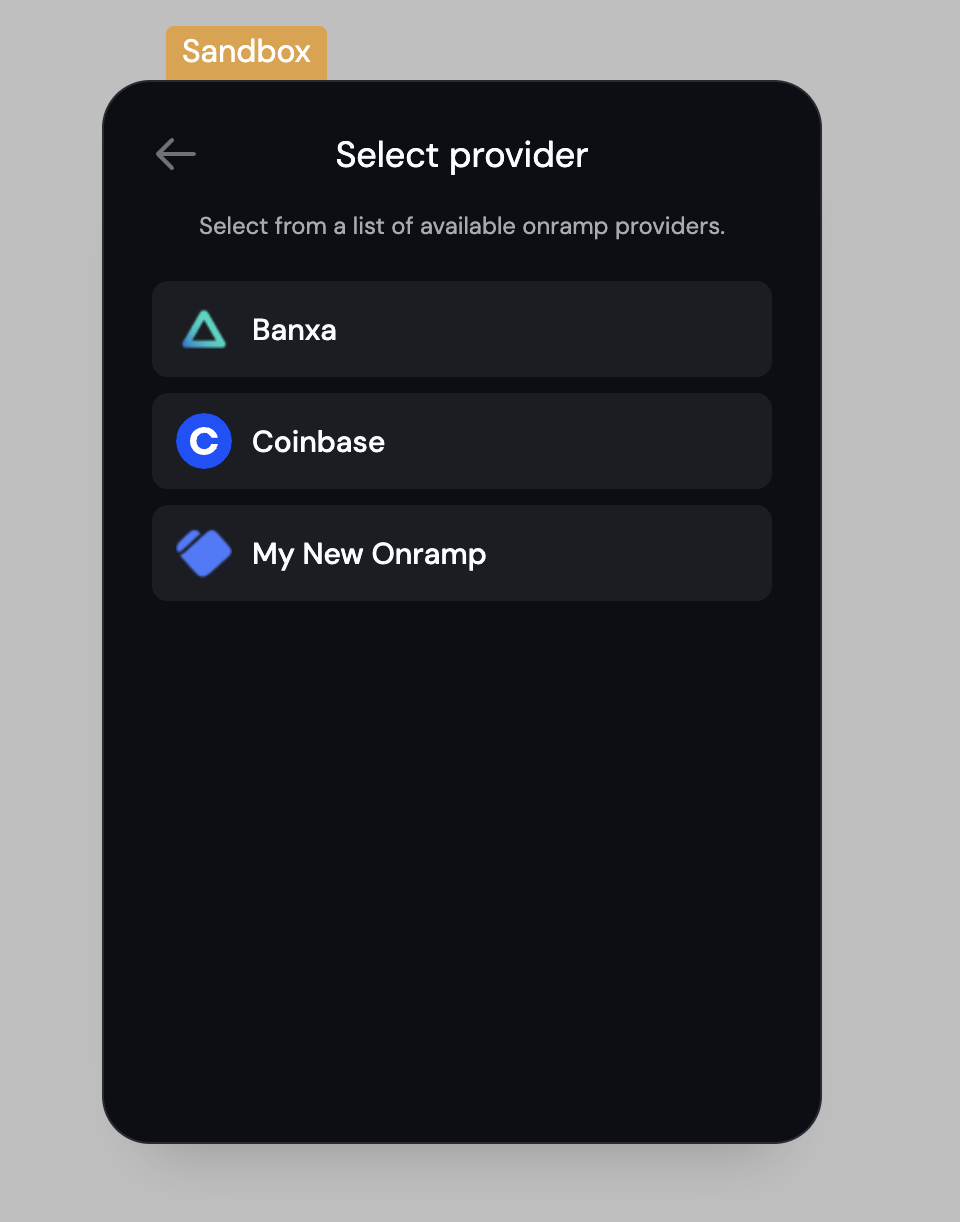
Instead of changing the existing onramp options, you can also add your own option, which can be as simple as this:React
Coinbase Onramp Supported Countries and Payment Methods
Below is a comprehensive list of all countries and payment methods supported by Coinbase onramp. This information can help you understand the global reach and payment options available when setting up Coinbase onramp for your application. You can also fetch the latest version of this list from the Coinbase Onramp API.Supported Countries and Payment Methods
Supported Countries and Payment Methods
Payment Method Types
- CARD: Credit/debit card payments
- CRYPTO_ACCOUNT: Payments from existing crypto accounts
- FIAT_WALLET: Payments from fiat wallet balances
- ACH_BANK_ACCOUNT: Automated Clearing House bank transfers (US only)
- APPLE_PAY: Apple Pay mobile payments (US only)
The United States has the most comprehensive payment method support, including all available payment types. Most European countries support CARD, CRYPTO_ACCOUNT, and FIAT_WALLET, while many other regions are limited to CRYPTO_ACCOUNT only.
Coinbase Onramp Supported Currencies
Each country has a list of supported assets/currencies that can be purchased. You can check this by calling the Coinbase Onramp API with thecountries parameter (see the API reference here).
Related
- useOnramp - Programmatic onramp triggering from your UI
- usePayWithDynamic - Unified payment flow with all funding options
- Crypto.com - Detailed Crypto.com onramp integration guide
- MoonPay - Detailed MoonPay onramp integration guide