

Recommended: JavaScript SDK for React Native
While this SDK is still supported, we recommend using newer JavaScript SDK, which is optimized for React Native, but also comes with a host of other benefits.
General Setup
Enable in Dashboard
Navigate to the Dynamic Developer Console > Embedded Wallets and enable Embedded Wallets, then click settings and choose the chains you’d like wallets created on.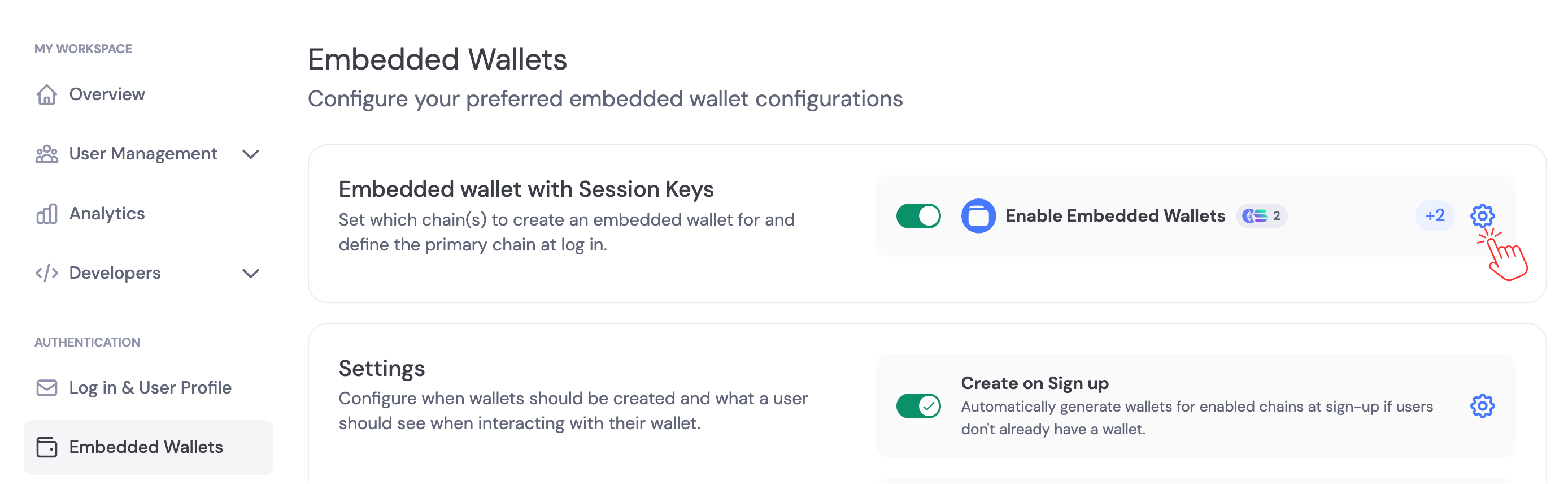
Private Key Export Settings
By default, users can export their private keys from embedded wallets. You can disable private key exports in the Embedded Wallets settings. Navigate to the Security section and toggle Private Key Exports to control whether users can export their private keys.