Recommended: JavaScript SDK for React Native
While this SDK is still supported, we recommend using newer JavaScript SDK, which is optimized for React Native, but also comes with a host of other benefits.
This guide is for Using Your UI, as Dynamic UI components already display the wallets for you.
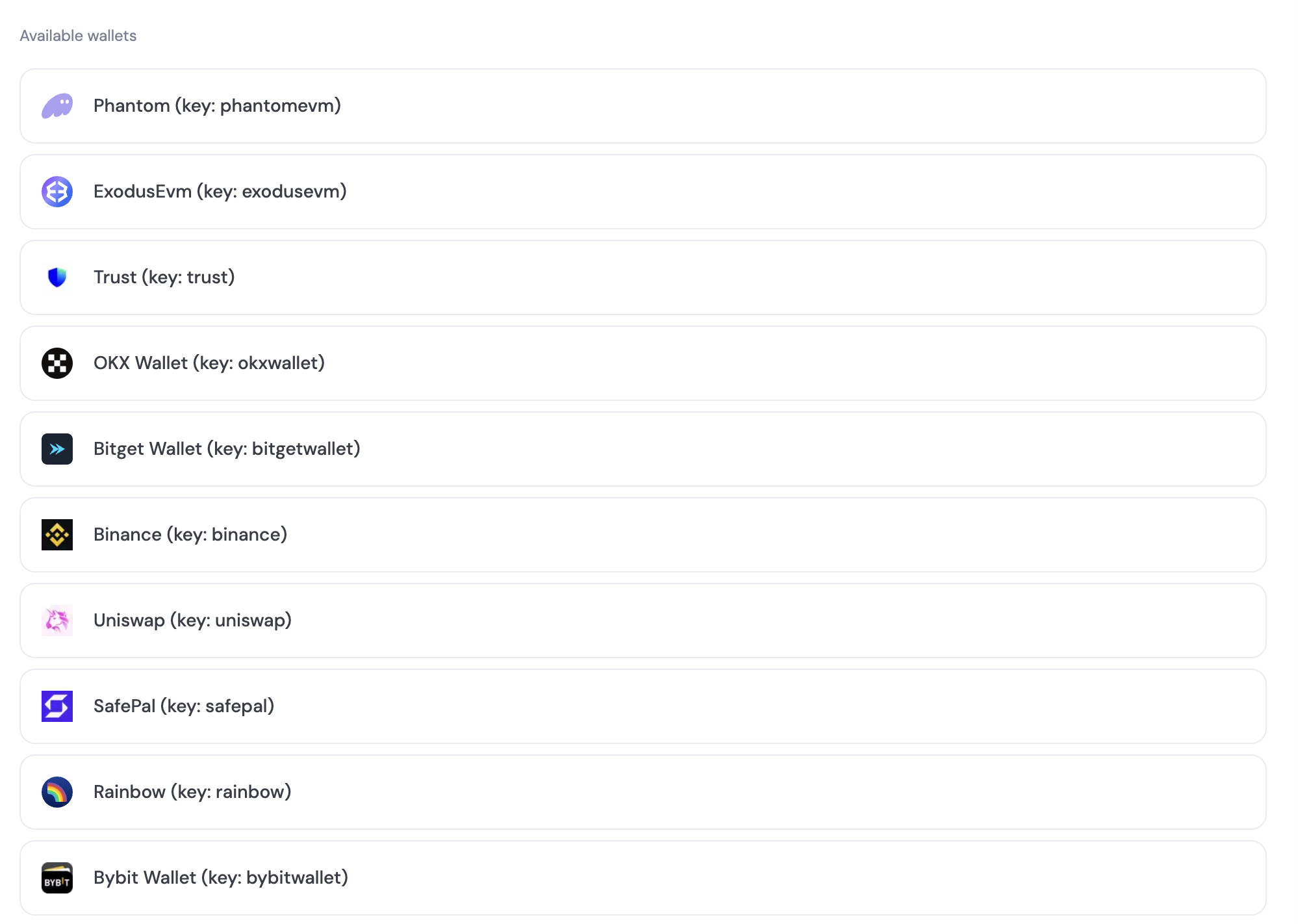
Wallet keys (when you need them)
Some flows require a stable identifier for a wallet option/provider (for example passing a key into a “connect/link this wallet” call, or rendering a wallet icon). Depending on your SDK, you can get these keys in a few ways:1) From wallet options/providers returned by the SDK
UsewalletOptions from your client/hook and read walletOptions[].key.
2) From Wallet Book (for keys + metadata/icons)
The full wallet list is available fromhttps://dynamic-static-assets.com/wallet-book/v1/latest/wallet-book.json.
Each wallet entry includes its key, name, and branding metadata (useful when rendering icons):
3) From the developer console chain pages
Each chain page in the developer console lists supported wallets and their keys (for example EVM or Solana).