Introducing Business Accounts: give every business customer a digital asset account it controls, governed by its own policies.
Programmable wallet controls
Define what every wallet, signer, and agent in your app can do. Each transaction is checked against your rules before it is signed, on EVM, Solana, Stellar, Bitcoin, and Sui.
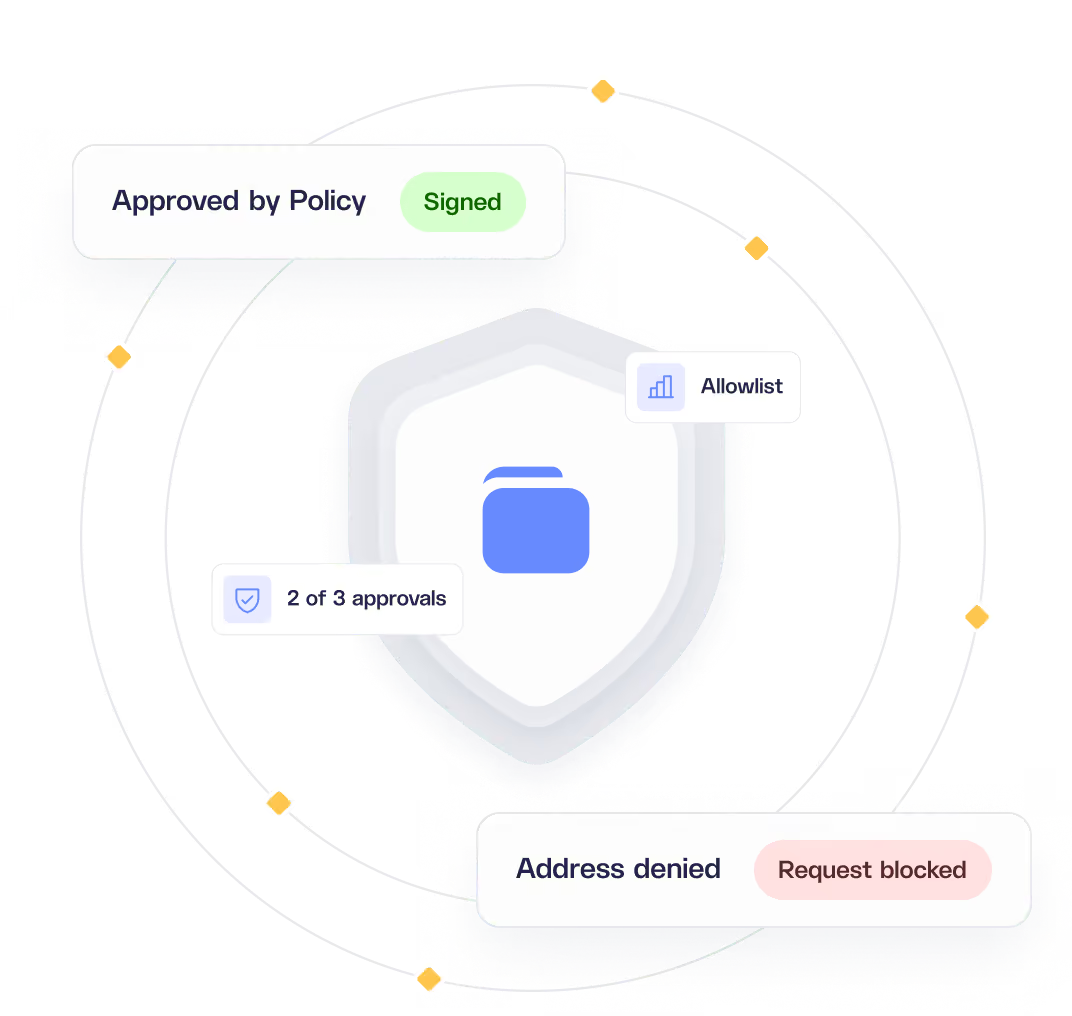
From request to signature, nothing skips a check
Policies run at signing time, not after execution. A request that fails any check is rejected and is never signed.
1
Request
A user, signer, agent, or backend service starts a transaction or signs a message.
2
Simulate and screen
The transaction is simulated, and every address it touches is screened for malicious or sanctioned activity.
3
Policy check
The request is checked against every applicable policy layer, from environment to signer, and your backend can approve or deny it through transaction review.
4
Approvals
If a rule requires sign-off, the request waits until it reaches the required number of approvals.
5
Sign
Only a request that passes every check is signed.
Transaction policies
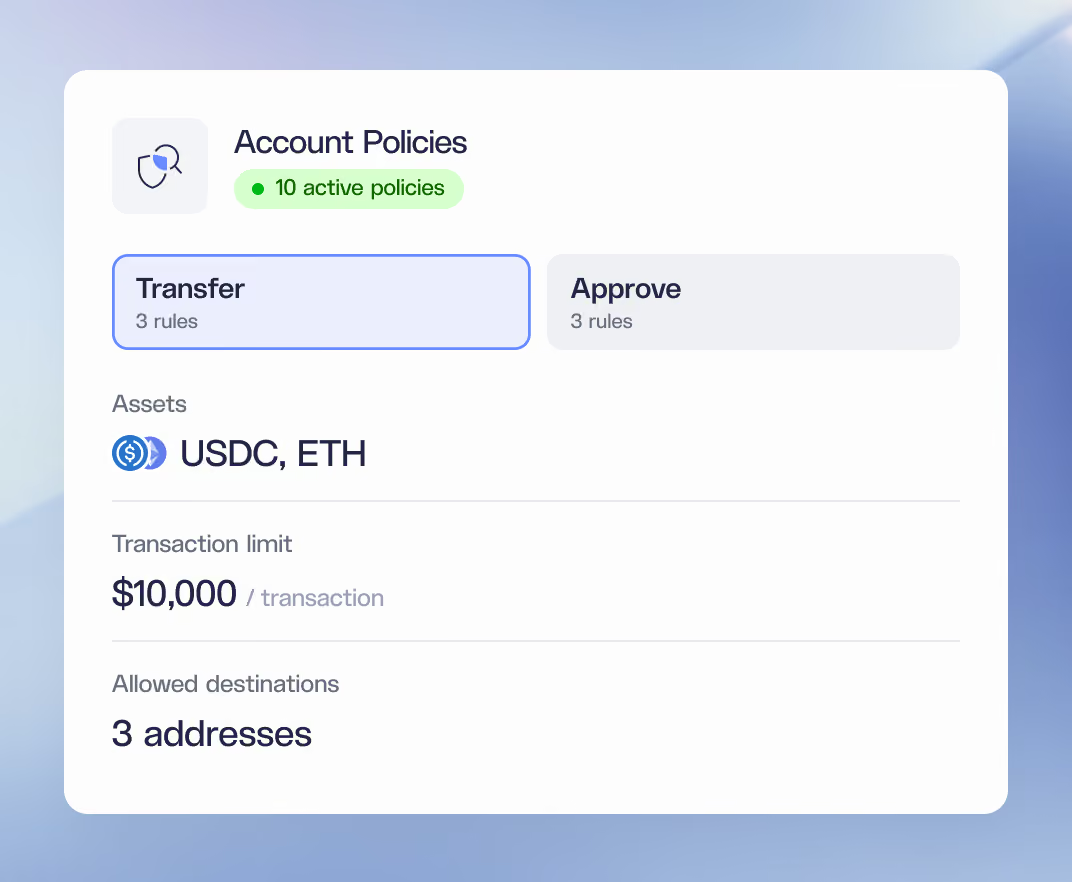
Decide which tokens move, where they go, and in what amounts.
Control specific addresses
Allow or deny specific tokens
Set per-transaction limits for tokens
Enforce rolling-window limits, such as $10,000 per week
Scope rules to specific chains and networks
Approvals
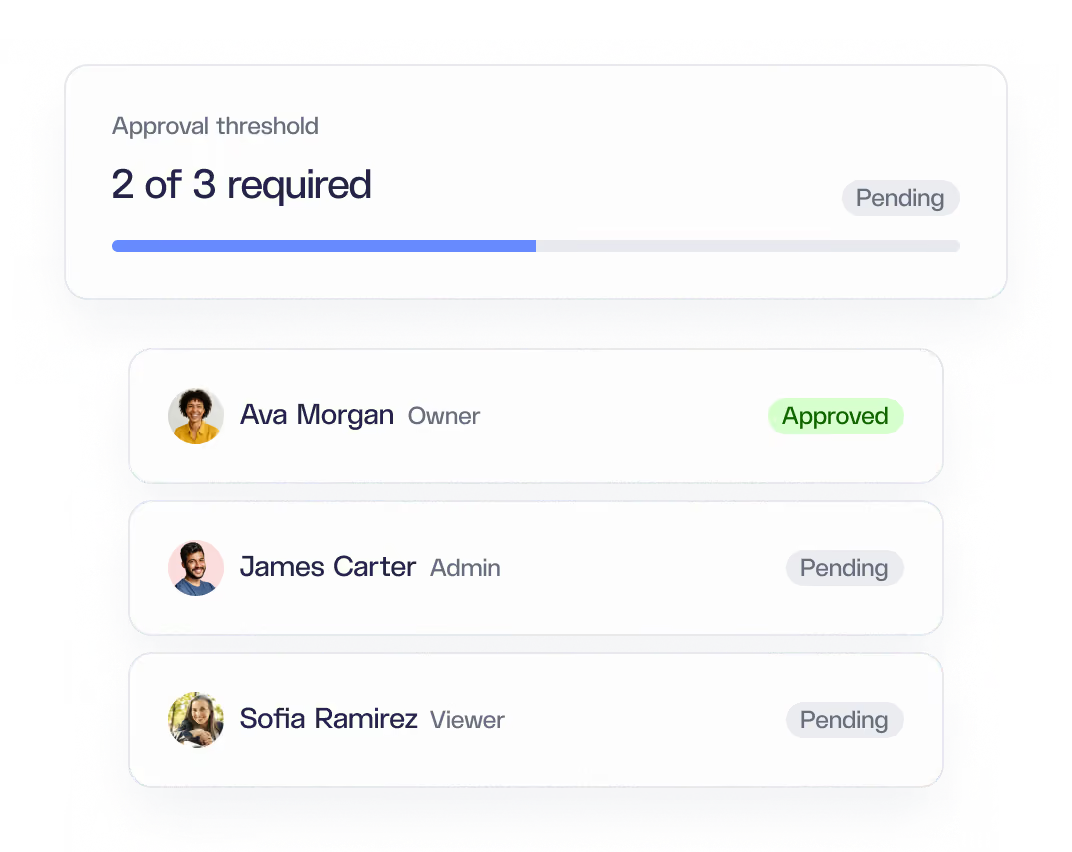
Require sign-off from the right people before any sensitive action goes through.
M-of-N thresholds, such as 1-of-2 or 2-of-3
Approvers set by role, by named individual, or by group
Approvers do not need signing power
Covers transactions, key export, and account changes in Business Accounts
Operation restrictions
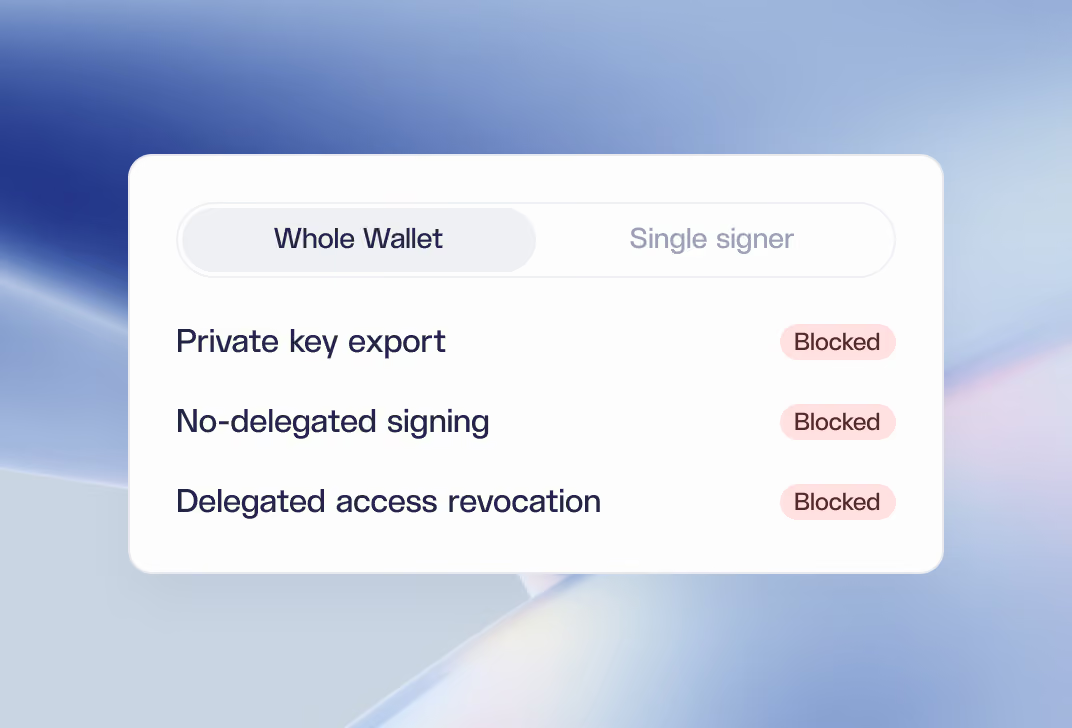
Block sensitive wallet operations for a whole wallet or a single signer.
Set limits on private key export
Block end-user signing that is not delegated
Prevent end users from revoking delegated access
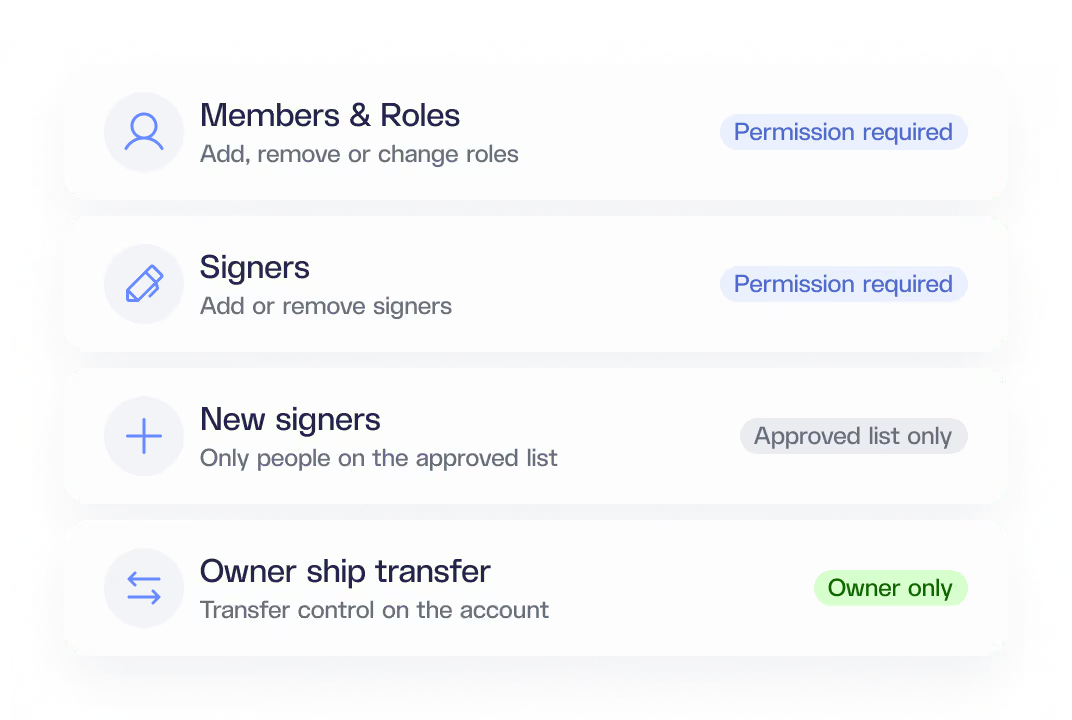
Account action policies
Set rules for Business Accounts that go beyond moving funds.
Add or remove members
Add or remove signers
Allow new signers only from an approved list
Change roles
Limit ownership transfer
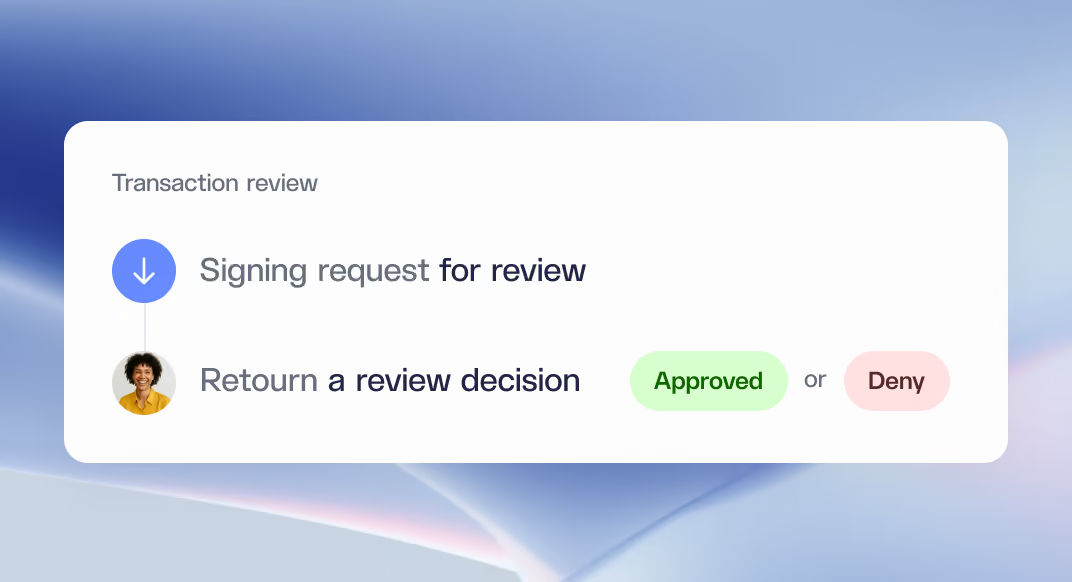
Transaction review
Send each signing request to your own backend to be approved or denied.
Covers EVM and Solana transactions, user operations, typed data, and messages
Verify that every request comes from Dynamic and every decision comes from you
Choose whether signing is blocked or allowed if your endpoint is unreachable
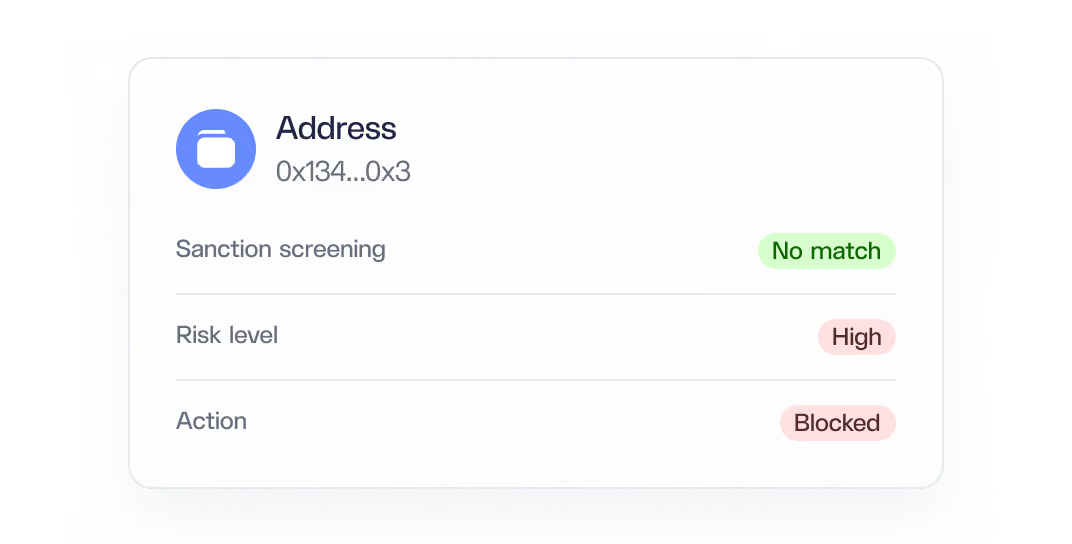
Address screening
Check every address before signing and stop transactions to sanctioned or high-risk counterparties.
Add your own rules and address lists
Plug in your existing screening provider with your own keys
Block or alert on risky addresses, with a webhook for every verdict
One policy engine for every wallet you run
Embedded wallets
Apply environment, wallet, and signer rules to each user's non-custodial embedded wallet.
Business Accounts
Shared team wallets add an account layer, account action policies, and approvals.
Agents
Scope what an app or agent can sign on a user's behalf.
Server wallets
Environment rules and transaction review cover server-initiated signing for backend automation.
Layered rules, from environment to signer
Set guardrails once for your whole environment, then tighten them for individual accounts, wallets, and signers.
Environment
Guardrails that apply to every wallet in your environment, set from the dashboard or API.
Account
Rules a Business Account's owners or admins set for every wallet in that account.
Wallet
Tighter controls on a single wallet, set by its owner or a Business Account admin.
Signer
The narrowest layer, limiting what an individual signer can approve.
Rules that fit how your team operates
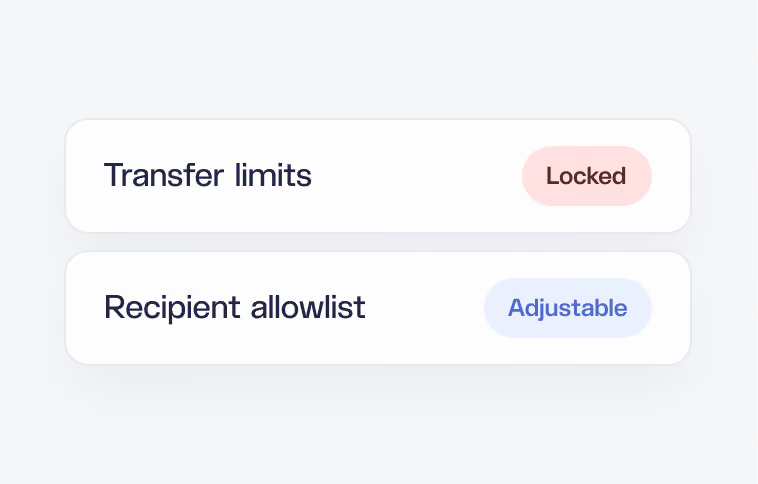
Locked or adjustable
Lock a rule, or let the signer adjust its addresses and limits without touching security settings or other policies.
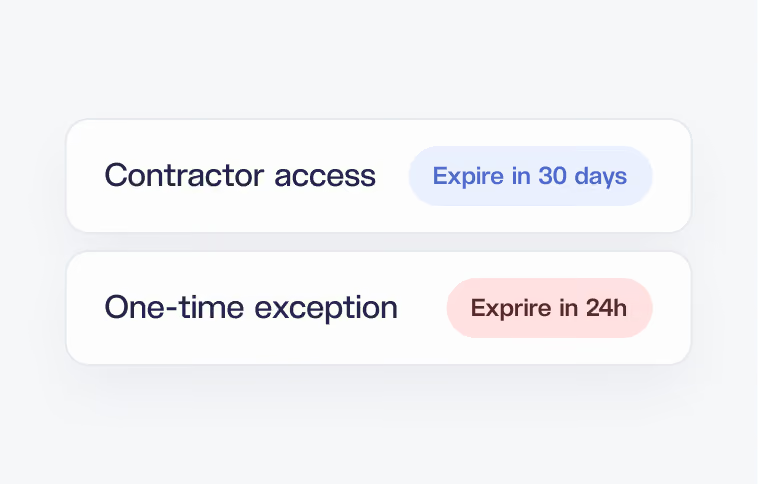
Expiring policies and roles
Grant access or exceptions for a set time, like 30 days for a contractor or one hour for a one-off transfer.
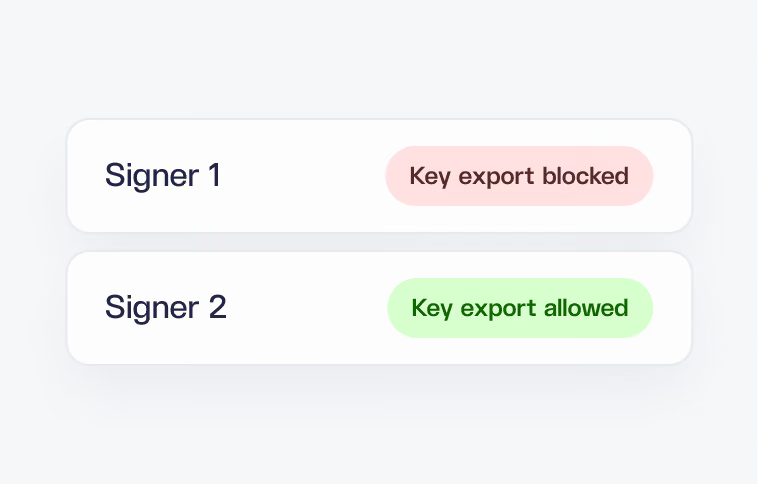
Rules per person
Give each signer on the same wallet its own rules, like separate spending limits or key export permissions.

Set up Dynamic in minutes
Growth and enterprise plans, built to scale with you